

 Emma James
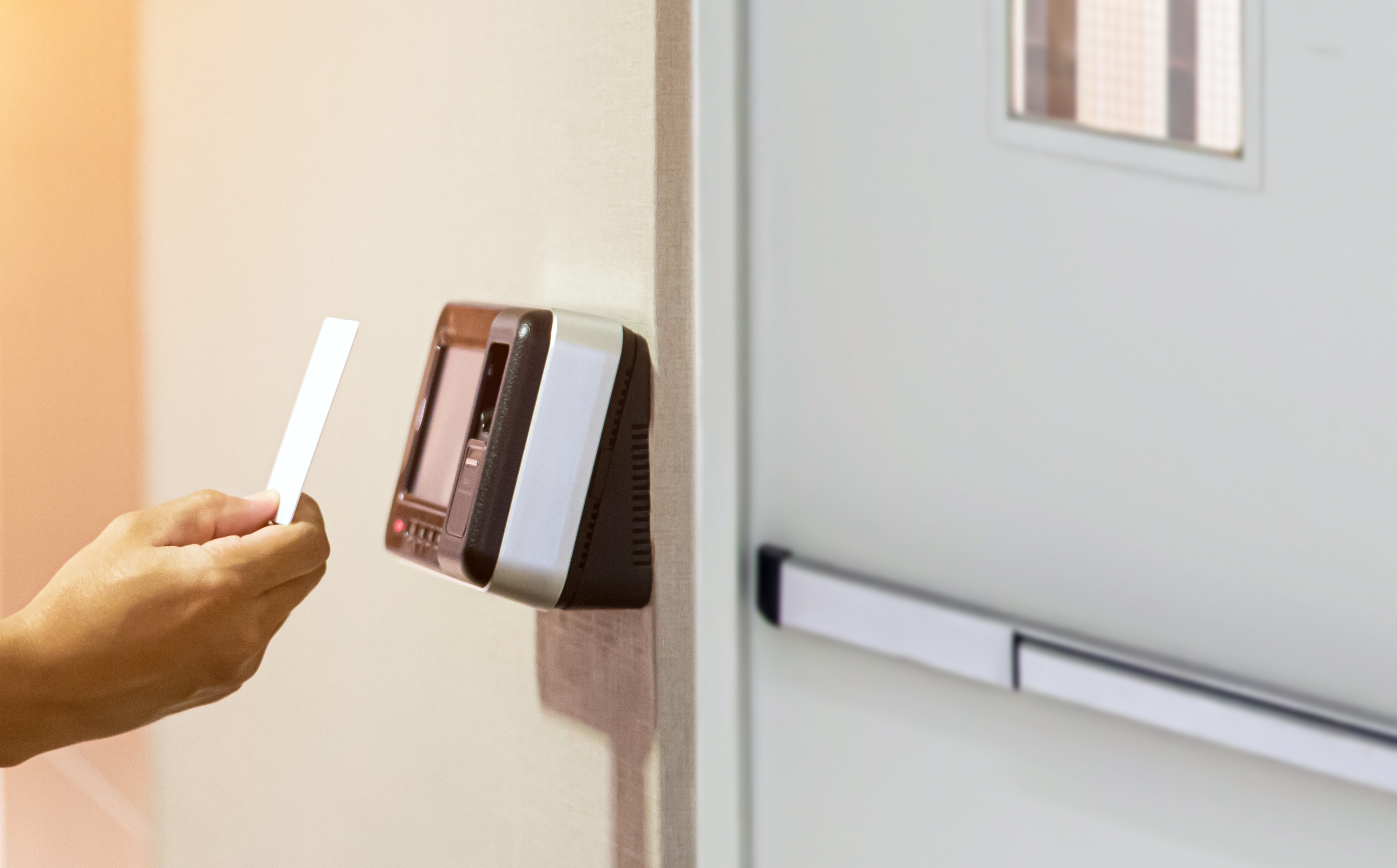
Anyone who services door entry and access control systems knows how easily one callout becomes two. Across field service as a whole, Aquant benchmark data showing that first-time fix rates have hovered around 75% for over a decade, with each failed first visit leading to an average of 2.5 more. Door entry engineers know their systems inside out, so when a first visit falls short, the cause usually lies in what reached them before they arrived: the history, the parts, and the site detail. Getting those to the engineer ahead of time is where field service management (FSM) software earns its keep.
Where do door entry repeat visits really start?
Most door entry repeat visits trace back to information that existed somewhere in the business but never reached the engineer. It might be a previous job sheet in a filing cabinet, a parts count on a spreadsheet, or a note about the comms cupboard key sitting in someone's inbox. Your engineers already know how to diagnose the fault. The software's job is to put the relevant facts in front of them in good time.
How can engineers reduce repeat visits on door entry callouts?
Engineers reduce repeat visits on door entry callouts when their field service software puts four things on their mobile device before they set off:
- Door entry fault history and access control engineer job history for that asset and site
- Confirmation that the likely parts are on their van, or ready to collect on the way
- A clear fault description, captured properly when the callout was logged
- Site access details, contacts, and any system credentials they'll need
- Which entrance is affected, and what is it doing (or not doing)?
- Is it on an escape route, or has it left the site insecure?
- Can the customer upload a photo of the panel, reader, or error display?
- Who holds the keys, and will someone with system admin access be available?
Each of these comes down to how your FSM platform stores and shares information, which the sections below cover in turn.
Making door entry fault history easy to find
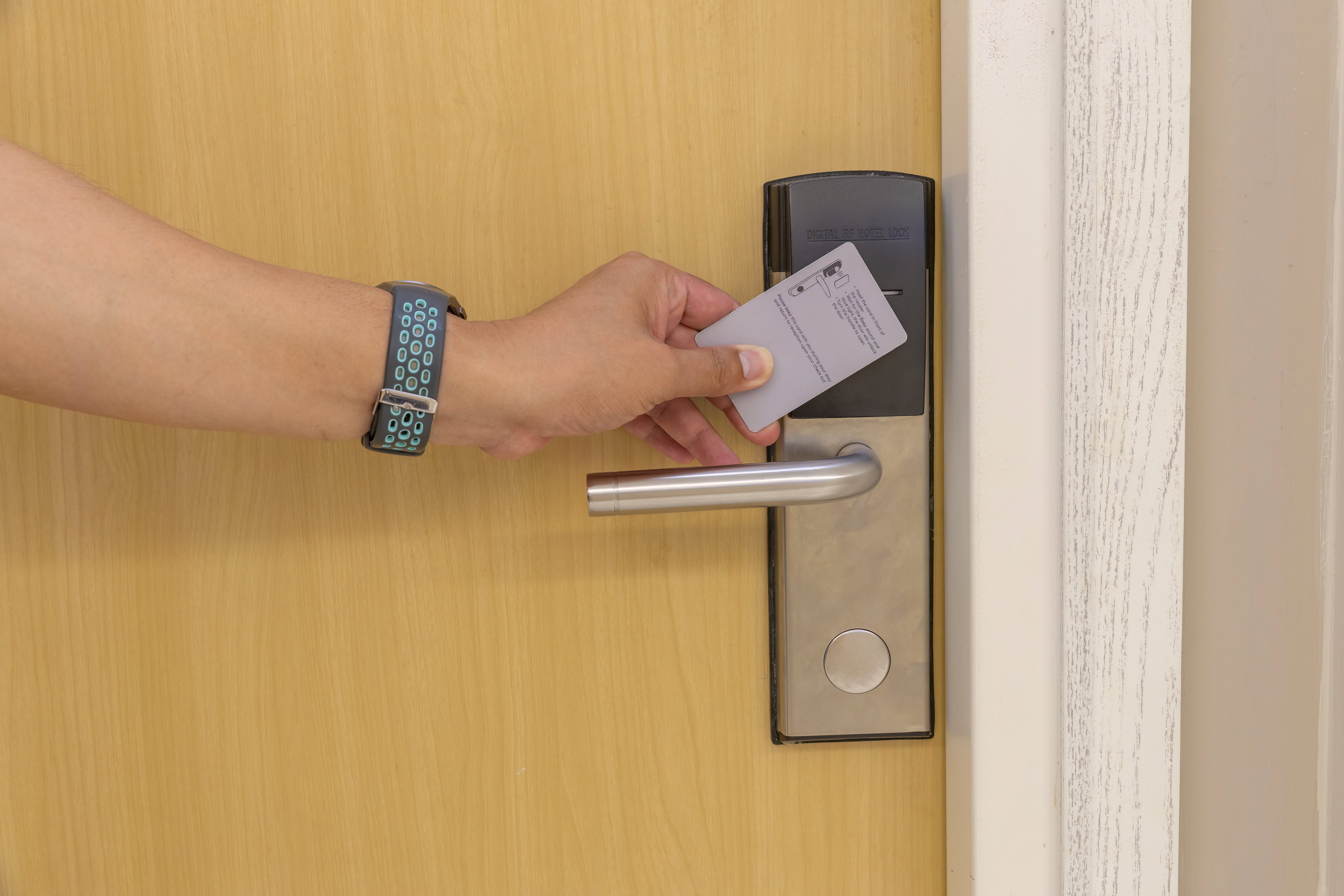
Most service firms already hold years of fault history. Whether it helps depends on where it lives. When every visit is logged against the asset (the specific panel, reader, controller, or gate) rather than the customer account or a paper job sheet, the engineer opening a new job can see each past fault, fix, and part fitted in one place. Patterns that no single visit would reveal become obvious to whoever picks up the next callout.
Access control engineer job history adds the notes behind the record: what was tested, what was fitted, and what the last engineer suspected but didn't have time to prove. On estates with several manufacturers, the asset record can also hold make, model, firmware version, and wiring photos, so nobody gets a surprise when the cover comes off.
Structured history improves how you measure access control first time fix, too. Field Service News recommends tracking first-time fix over a 30-day window instead of 7 or 14 days, because shorter windows hide repeat visits for the same root cause. When callouts link to the same asset, software can produce that 30-day view automatically.
Keeping security engineer van stock visible
Your engineers know which parts they get through. FSM software turns that knowledge into something the office can see and act on. When security engineer van stock is tracked per vehicle and parts used are booked against each job, the dispatcher can check whether the nearest engineer carries the likely part before allocating the callout. Usage can trigger replenishment automatically, and fault history across your contracts shows which items deserve a permanent place on every van. Friday afternoon stock checks become a lot less dramatic as a result.

Capturing the right detail at the door entry engineer callout stage
The first chance to prevent a second visit comes when the callout is logged. Whoever takes the call often isn't an engineer, so a guided form helps them gather what your engineers would ask themselves. Because Solarvista includes a no-code application platform, those forms can be built around your own triage questions rather than a generic template. For example:
The answers attach to the job alongside the asset record, so the engineer reads them on their mobile before setting off rather than finding out on arrival.
Prioritising safety-critical callouts
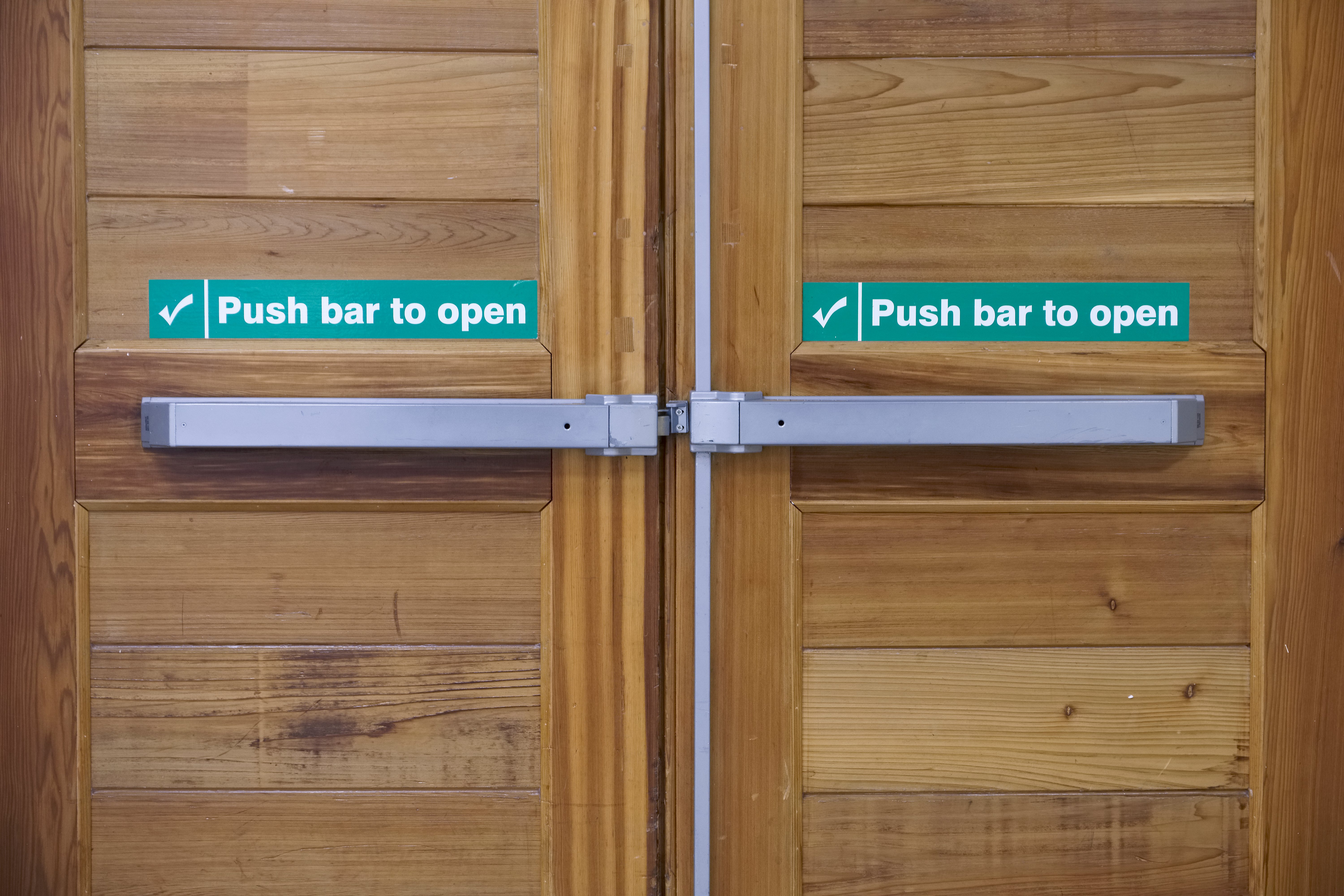
You'll know better than anyone which faults can't wait, particularly where escape routes and powered doors are involved and your customers have duties under the Regulatory Reform (Fire Safety) Order 2005 and the Workplace (Health, Safety and Welfare) Regulations 1992. The scheduling side of an FSM platform can reflect that knowledge. Flag safety-critical assets on their records, and callouts against them can be prioritised automatically and routed to an engineer with the right skills and stock to finish the job first time.
Bringing it all together
Every idea above relies on the right information reaching the right engineer in time. A field service management system holds the asset records, fault history, job history, and van stock, while a no-code application platform shapes the forms and screens around how your business already works, and adapts them as your contracts change.
If too many of your callouts are turning into return trips, we'd be glad to show you a better route. Book a demo to see how Solarvista's unique 2-in-1 field service management system and no-code application platform gets your engineers to the door with everything they need.