Access control is one of the most varied corners of field service. One customer might run a keypad entry panel from one manufacturer, a card reader system from another, and electrically released doors tied into a fire alarm installed by someone else entirely. Multiply that across dozens of customers and hundreds of sites, and the contract base becomes a patchwork. This article looks at how a field service management (FSM) platform holds it together, starting with the question service managers ask most.

How do you manage service contracts for access control systems across multiple sites?
Keep every contract, site, and asset in one connected record, so each visit is scheduled, carried out, and reported against the same history. In practice, that means a contract record stating what is covered at each site, an asset register identifying every panel, reader, lock, and power supply, and a job history that attaches each visit to both.
Without that link, entitlements sit in one spreadsheet, asset details in another, and engineers’ notes in a third, and someone has to stitch them together before every visit. Access control service management software removes the stitching by making the contract, the asset, and the job parts of the same record.
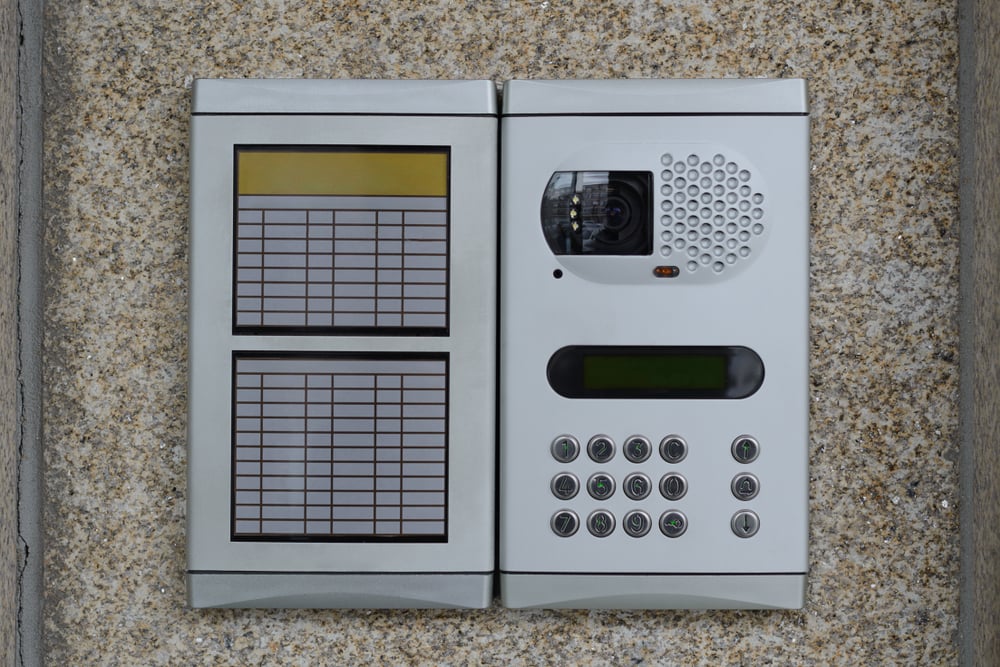
Why do mixed systems make multi-site access control maintenance harder?
No two sites are quite alike. Manufacturers, firmware versions, installation dates, and later add-ons all vary, so an engineer cannot assume what is behind the panel cover on arrival.
An FSM platform records the make, model, and configuration of each system as an asset, which lets the office match an engineer’s skills to the system rather than just the postcode. It also means a customer with forty sites appears as forty distinct installations, not one line on a contract.

What should access control maintenance contracts record?
Access control maintenance contracts typically set out visit frequency, response times, what is covered (parts, labour, and callouts), exclusions, and renewal dates. These are commercial terms agreed with the customer, so the schedule is yours to design around the system and the manufacturer’s instructions rather than a figure set by law.
Good door entry service contract management turns those terms into action. Planned visits generate automatically from the contract, each job shows whether the work is covered, and approaching renewals are flagged early enough to act on. The office stops asking “is this under contract?” because the job already answers it.
Why do customers expect a maintenance record?
Several duties sit behind the work, and which apply depends on the premises and who the duty holder is. The Workplace (Health, Safety and Welfare) Regulations 1992 require equipment and devices intended to prevent or reduce hazards to be kept in efficient working order and, where appropriate, under a suitable system of maintenance. PUWER regulation 5 requires work equipment to be maintained in an efficient state and, where machinery has a maintenance log, that the log is kept up to date. The HSE adds that manufacturers’ maintenance instructions are a sensible guide and that the work should be done by a competent person.
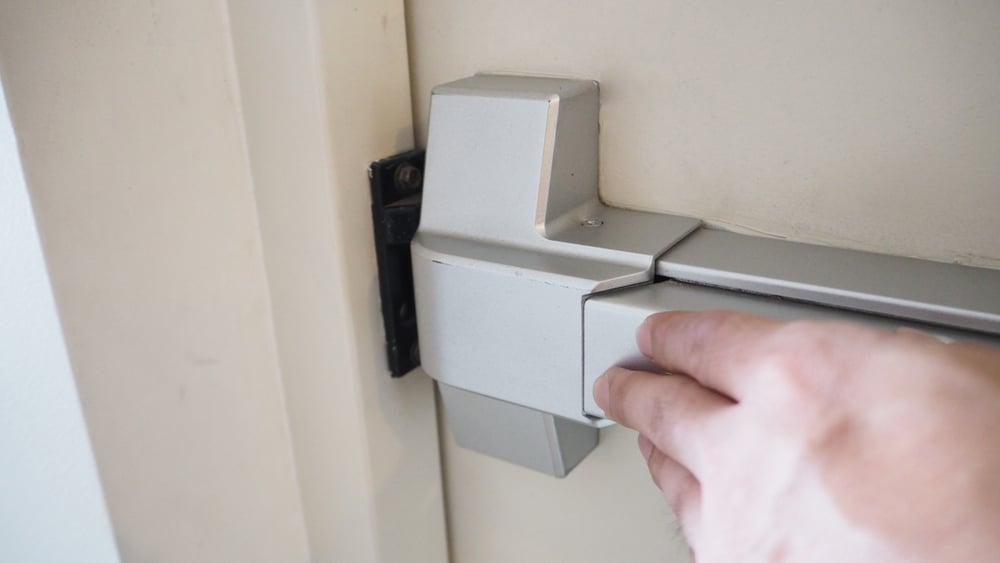
For doors on escape routes, article 17 of the Fire Safety Order expects safety facilities and devices to be kept under a suitable system of maintenance. BS 7273-4 is a code of practice covering the design, installation, commissioning, and maintenance of the controls that release electrically locked doors, including their link to fire alarm systems. The common thread is evidence. Customers will look to their service provider for a record of what was checked and when, and an FSM platform produces that as a by-product of the job.

How does a single job and asset history keep engineers one step ahead?
Before leaving the depot, the engineer opens the job on a mobile device and sees the asset, its previous faults, the parts fitted, the last engineer’s notes, and what the contract covers. On site, access control engineer job management means completing a form that fits the system in front of them, with readings, parts used, and findings captured as they go. The result updates the asset history straight away.
That door entry system asset history pays off on the next visit. An intermittent reader fault that has appeared on three separate visits is visible before anyone sets off, so the engineer can bring the likely part and a fix instead of a fourth round of diagnosis.
Because Solarvista is both an FSM system and a no-code application platform, the forms for each system type can be built around your own process and changed when a manufacturer changes theirs, without waiting for a developer.

What should you look for in access control service management software?
Searches for this phrase tend to return visitor management and user-side access platforms, which manage who gets in rather than who services the kit. For a service firm, the checklist looks different:
- Contracts that generate planned visits and show entitlement on every job.
- Asset records that cope with mixed manufacturers and site-level detail.
- Job history on a mobile device, working where signal is poor, such as plant rooms and basements.
- Configurable forms for each system type.
- Reporting by customer across all of their sites.
If your contract base looks like the patchwork described above, bring a few of your more tangled multi-site contracts along to a live session and we will show you how they would run from one record. Book a Solarvista demo to see our unique 2-in-1 field service management system and no-code application platform in action.


 Emma James

 Emma James : Oct 9, 2026, 3:12:26 PM